Order placed
The process starts when a customer presses Place order.
- Kind
- Start or end
- Owner
- Customer
- System
- Online store
- Target time
- -
A swimlane process map: every step grouped by lane, with its owner, system and target time.
The same content as the picture, as text: every part and what it says when you open it.
The process starts when a customer presses Place order.
The customer reviews the basket, chooses delivery and pays by card or wallet.
The payment provider approves or declines the charge. Most are approved at once.
A declined payment sends the customer back to checkout with the basket kept, and an email in case they have left.
The order is recorded, the stock is reserved, and a confirmation email goes to the customer.
A picker collects each item from its bin, guided by a handheld scanner along the shortest route.
If anything is missing from its bin, the order is split rather than held.
What is in stock ships now; the rest follows as a second parcel, and the customer is told so.
Packed in the smallest box that fits, weighed, and given the carrier's label.
Collected at the evening pickup and sorted overnight at the carrier's hub.
On a van by morning. The customer gets a one-hour window by text.
If nobody answers, the driver tries a safe place the customer chose before taking it back.
A card through the door and a text with a link to rearrange, then another attempt the next working day.
The process ends with a photo of the parcel at the door, and a one-tap rating.
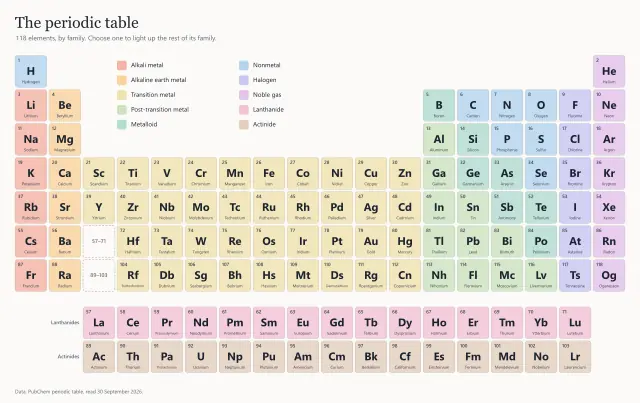
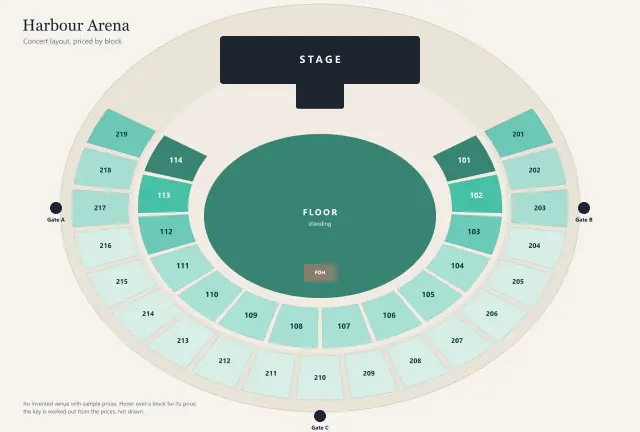
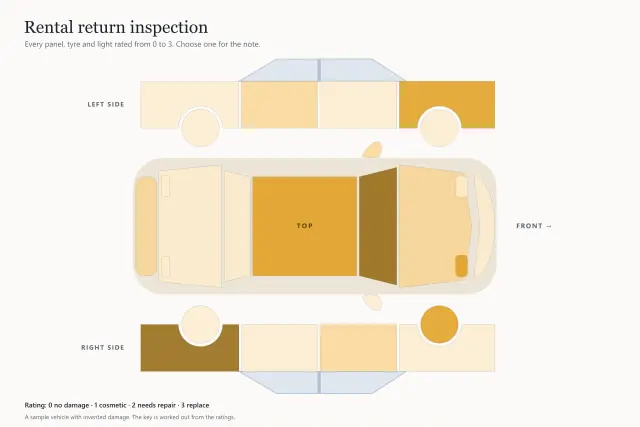
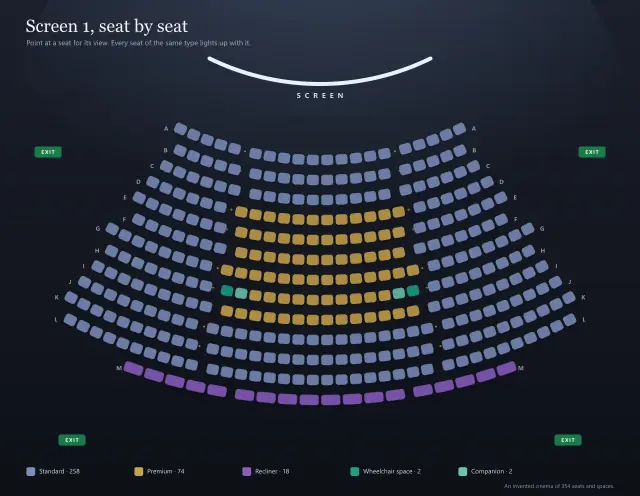
Seat maps, org charts, process maps and racks: every shape becomes a region.